
You’re designing a flyer, a menu, or a product label in Canva and you need a QR code that links to your website. Switching tools mid-design feels like a hassle, so you wonder: does canva have a qr code generator built in, or do you need something separate? The short answer is yes, Canva does have one — but it’s a basic feature bolted onto a design tool, not a purpose-built QR system. That distinction matters more than most guides admit, especially once you need tracking, editable destinations, or codes that won’t break your print run. Here’s exactly what Canva’s QR tool does, where it falls apart, and when a dedicated generator is the smarter call.
What Is Canva’s QR Code Generator?
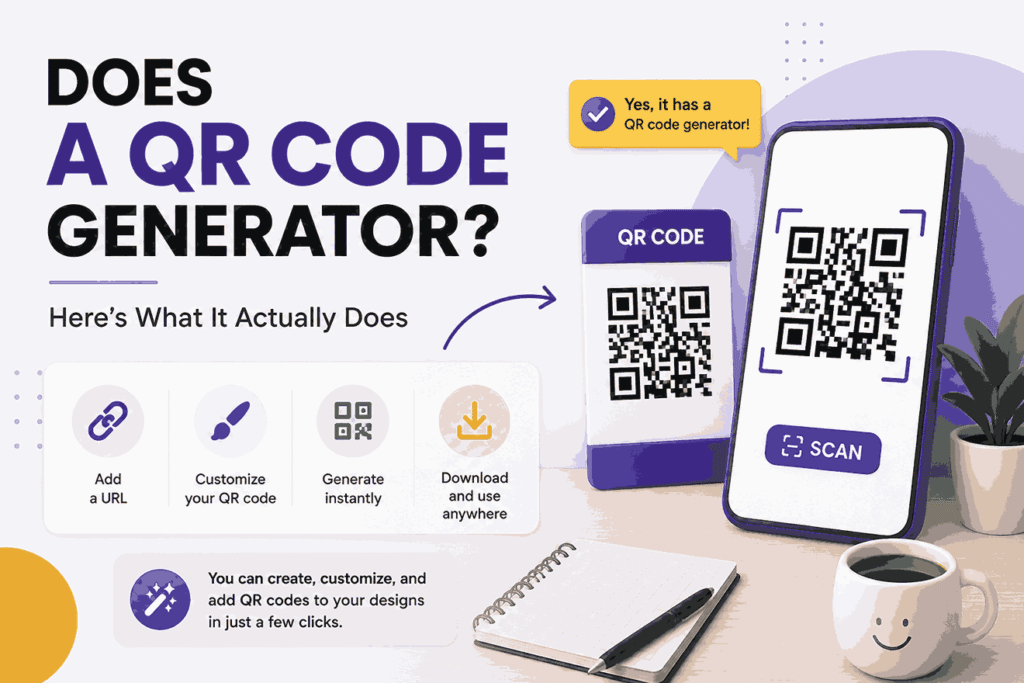
Canva’s QR code generator is a built-in feature that converts any URL into a scannable QR code directly inside the design canvas, without leaving the app. You’ll find it under the “Apps” panel or by searching “QR Code” in Canva’s search bar — Canva added this natively in 2022 and has kept it largely unchanged since, which is itself worth noting given how fast the broader QR code space has moved.
To generate one, you paste a link into the QR code app, and Canva renders a static image you can drag onto your design, resize, and recolor to match your branding. That’s the entire feature. There’s no dashboard, no scan tracking, and no way to edit the destination link after the code is placed.
A QR code generator is a tool that encodes a URL or piece of text into a scannable image, allowing a phone camera to open a link without the user typing anything. Canva’s version handles that one job — encoding — and stops there.
How to Create a QR Code in Canva: Step-by-Step
- Open or create a Canva design (any format — flyer, poster, social post)
- Click Apps in the left-hand sidebar
- Search “QR Code” and select the official Canva QR Code app
- Paste your destination URL into the input field
- Click Generate Code — Canva places it on your canvas
- Resize, recolor, or reposition it to fit your layout
- Download your design as a PNG or PDF once finished
This works fine for a one-off flyer with a link that will never change. It starts to break down the moment your use case gets more serious than that.
Where Canva’s QR Generator Falls Short
This is the part most Canva tutorials skip entirely, and it’s the part that actually determines whether the free tool is good enough for your project.
No scan analytics. Canva’s QR code doesn’t tell you how many people scanned it, when, or from what device. If you’re running a print campaign — a menu, a business card, a trade show banner — you have no way to measure whether the QR code is actually driving traffic. You’re printing blind.
Static, unchangeable destinations. Once a Canva QR code is embedded in a design and printed, the URL is locked. If your link changes — a new menu page, an updated landing page, a product that gets discontinued — every printed copy becomes dead weight. In our review of print-based marketing workflows, this single limitation is the most common reason businesses end up reprinting materials within months of launch.
No dynamic redirect layer. A dynamic QR code points to a short link that you can redirect anywhere, anytime, without touching the printed code itself. Canva doesn’t offer this. Its codes are static by design — the URL is baked directly into the image.
No custom branding beyond color. You can recolor the code and add a small logo, but you can’t add a branded short domain, custom UTM parameters, or password-protected destinations — features that matter for businesses running actual marketing campaigns rather than one-time print jobs.
When Canva’s Built-In QR Code Is Actually Fine
To be fair, Canva’s tool isn’t bad — it’s just narrow. It’s the right call in a few specific situations:
- One-time event materials — a wedding invite linking to an RSVP page that won’t change
- Personal projects — a portfolio link on a business card you’re printing once
- Internal documents — a QR code linking a PDF handout to a shared drive folder
If your link is permanent and you don’t need to know who scanned it, Canva’s native tool saves you an extra step. No argument there.
When the Popular Recommendation Fails: Businesses, Campaigns, and Anything Printed at Scale
Here’s the scenario most articles never address directly: what happens when a business follows the common advice — “just use Canva’s QR code, it’s free and built in” — and it doesn’t work.
A restaurant printing 500 table-top menu cards with a Canva QR code linking to their online ordering page runs into a wall the moment the ordering platform changes, which happened industry-wide when several delivery aggregators updated their URL structures in 2025. Every printed card becomes obsolete. Reprinting 500 cards costs real money and real time — the exact cost a dynamic QR code was built to avoid.
For businesses printing anything in bulk, a static Canva QR code is a liability, not a convenience. A dynamic QR code from a dedicated URL shortener platform routes through a short link you control, meaning you can update the destination without reprinting a single card.
The same failure applies to marketing agencies. An agency running a client’s outdoor ad campaign needs scan data to prove ROI — Canva gives them nothing to report back. And it applies to multi-location businesses: a retail chain wants one QR code design used across 40 store locations, each pointing to a location-specific landing page. Canva can’t do that with one static code; a dynamic shortener with link-routing rules can.
Canva vs. a Dedicated QR Code Generator: Feature Comparison
| Feature | Canva QR Code | Dedicated QR/URL Shortener Tool |
|---|---|---|
| Basic QR generation | Yes | Yes |
| Scan analytics | No | Yes — device, location, time-based data |
| Editable destination after printing | No (static) | Yes (dynamic redirect) |
| Custom branded short domain | No | Yes, on most paid plans |
| Bulk QR code generation | No | Yes, often via CSV upload |
| Password-protected or expiring links | No | Yes, on most platforms |
| Cost | Free (within Canva) | Free tier to paid plans, pricing varies by platform |
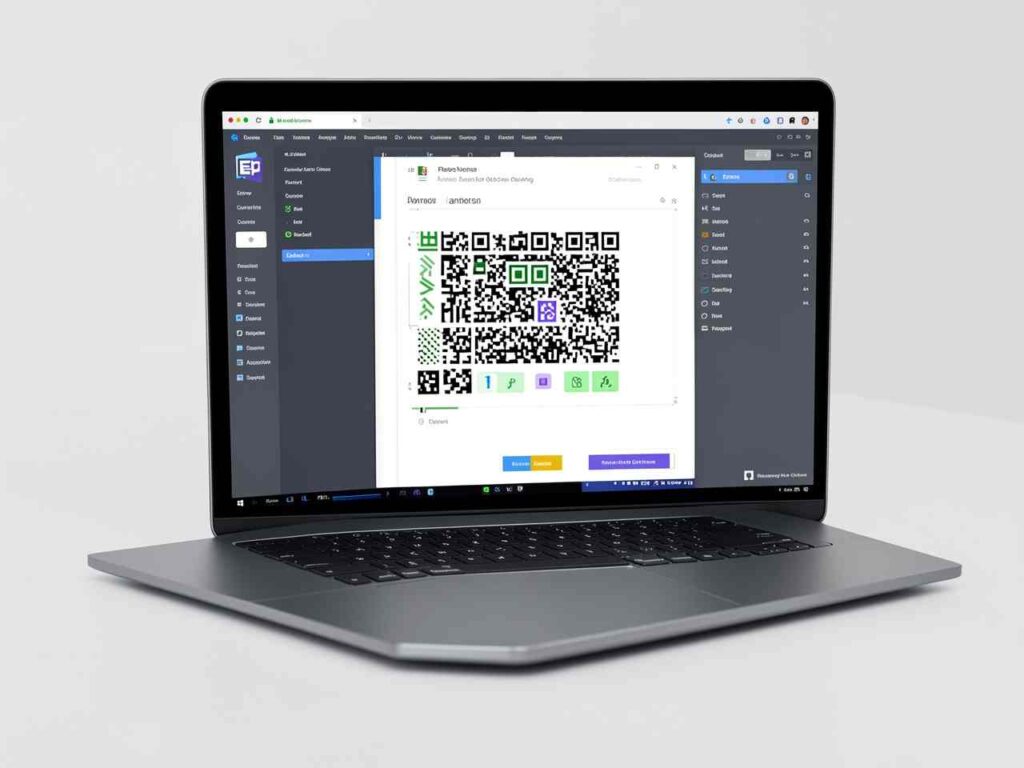
Always verify current pricing and feature availability directly on the provider’s website before committing, since QR and URL shortener platforms update their tiers more often than most software categories.
Choosing a Reliable URL Shortener for Your QR Codes
If you’ve decided a dynamic QR code makes more sense, the tool underneath it matters as much as the QR code itself. A QR code is only as reliable as the short link it points to.
When you choose a reliable url shortener to power dynamic QR codes, check for three things specifically: uptime guarantees (a broken redirect makes every printed QR code useless instantly), click and scan analytics broken down by device and location, and the ability to edit the destination URL after the code is live. This last point is the entire reason to move past Canva in the first place.
A reliable url shortener is a platform that generates short, trackable redirect links while letting you monitor click data and update destinations without changing the original link or code. For QR-specific use, look for a platform that generates both the short link and the scannable QR image together, so scan data and click data live in one dashboard instead of two disconnected tools.
Before you print anything at volume, it’s worth auditing your current QR code setup — pull up whatever codes you’re already using in live materials and check whether you can actually see scan data on them. If you can’t, that’s the gap a dynamic system closes immediately.
Best Fit by Use Case
Matching the tool to the situation avoids both over-engineering a simple flyer and under-equipping a real campaign:
- Single-use, permanent link: Canva’s built-in generator — no reason to add a tool
- Small business, occasional print runs: A free-tier dynamic QR/URL shortener tool, upgrading only if scan volume justifies it
- Marketing agencies and multi-location brands: A paid dynamic QR platform with bulk generation, custom domains, and analytics reporting built in
- E-commerce and product packaging: A dynamic system is close to mandatory, since packaging print runs are expensive to redo and products get discontinued or updated constantly
Conclusion
Yes, Canva has a QR code generator, and it does exactly one job well: turning a link into a scannable image inside your design. For a one-time flyer or invite, that’s genuinely enough. But the moment you’re printing at volume, running a campaign you need to measure, or working with a link that might change, Canva’s static codes become a liability rather than a convenience. A dynamic QR code backed by a reliable URL shortener gives you the tracking and flexibility Canva simply doesn’t offer. Before your next print run, check whether your current QR codes can be edited after printing — if the answer is no, that’s your sign to switch. A QR code should adapt to your business, not lock you into a decision you made months ago.
FAQ
Does Canva have a free QR code generator?
Yes, Canva’s QR code generator is free to use for anyone with a Canva account, including the free tier. You’ll find it under the Apps panel by searching “QR Code,” and it generates a static code you can place directly into your design.
Can you edit a Canva QR code after it’s created?
No. Canva’s QR codes are static, meaning the destination URL is permanently encoded into the image once generated. If the link changes, you’ll need to generate a new code and reprint any materials using the old one.
Is Canva’s QR code generator good for business use?
It works for one-time materials with permanent links, like a wedding RSVP or a single-use flyer. For ongoing business use — menus, packaging, ad campaigns — it lacks scan tracking and editable destinations, which most businesses need.
What’s the difference between a static and dynamic QR code?
A static QR code has the destination URL locked in permanently. A dynamic QR code points to a short redirect link you can update anytime, without changing the printed code itself or losing any existing scans.
Does Canva track how many people scan its QR codes?
No. Canva’s built-in QR code generator provides no scan analytics — no data on scan count, location, device, or timing. For campaign tracking, you’d need a dedicated QR platform with a reporting dashboard.
What is a reliable url shortener and why does it matter for QR codes?
A reliable url shortener is a platform that creates trackable short links with editable redirects and click analytics. For QR codes, it matters because the QR code’s reliability depends entirely on the link behind it staying live and accurate.
Can I add my logo to a Canva QR code?
Yes, Canva allows basic recoloring and a small logo overlay on its QR codes. However, this is cosmetic only — it doesn’t add functional branding like a custom short domain or campaign tracking parameters.
What happens if a Canva QR code’s link goes down?
The QR code becomes non-functional immediately, and since it’s static, there’s no way to redirect it to a new URL. Every printed copy — cards, flyers, packaging — would need to be reprinted with a new code.
Are dedicated QR code generators worth paying for?
For businesses printing QR codes at volume or running trackable campaigns, yes — the ability to edit destinations and see scan data typically pays for itself by avoiding reprint costs. For single, permanent-link use cases, a free Canva code is sufficient.
Can Canva generate bulk QR codes for multiple locations?
No, Canva’s QR app generates one code at a time with no bulk or CSV upload option. Multi-location businesses needing unique codes per site should use a dedicated platform built for bulk QR generation and link routing.